Soundbar Lip Sync Delay Fix UK: A Calm Troubleshooting Ladder
Most soundbar lip sync delay fix UK cases come down to how audio is routed or how the TV’s A/V sync is set—not a faulty bar. Start with a single clean connection path, then adjust sync settings before you assume hardware failure.
Direct answer: most delays are routing or TV A/V sync settings, not a broken bar
When dialogue trails the picture, the usual causes are a messy cable path, conflicting digital outputs, or A/V sync that needs a small nudge on the TV or soundbar. Manufacturer guidance for external speakers often points to connecting the soundbar directly to the TV, checking digital audio-out settings, and using A/V sync controls rather than treating the bar as broken from the outset.
Bluetooth is worth separating from wired setups: wireless links add inherent delay, so a Bluetooth path is a poor first test if you are chasing a lip-sync problem.
Step ladder: cable path, ARC-only (no dual optical), A/V sync, PCM trial, Bluetooth caveat
1. Simplify the cable path
Connect the soundbar to the TV with one intended return path—typically HDMI ARC if that is how you plan to listen—and power-cycle both devices after you change cables. Avoid daisy-chains or adapters you do not need while you diagnose.
2. Use ARC-only—not optical and HDMI together
If the TV is already sending sound over HDMI ARC, do not also leave an optical lead active as a second digital feed. Dual optical-plus-HDMI loops are a common source of audio/video sync confusion; pick one digital route and disconnect the unused cable.
3. Adjust A/V sync on the TV or soundbar
Open the TV’s audio or A/V sync menu and make small adjustments until speech matches mouths. Some soundbars also expose a lip-sync or delay control—use whichever menu you can find, and change one setting at a time. Not every remote or model shows the same slider, so treat this as a menu search, not a guaranteed button.
4. Try a PCM (or stereo) digital output trial
In the TV’s digital audio-out settings, temporarily switch from a bitstream/surround option to PCM or stereo PCM if available. That trial helps you see whether a processing path is adding lag before you chase other causes.
5. Remember the Bluetooth caveat
If you are testing over Bluetooth, expect inherent delay. For a fair lip-sync check, return to HDMI ARC or optical as a single wired path, then reassess.
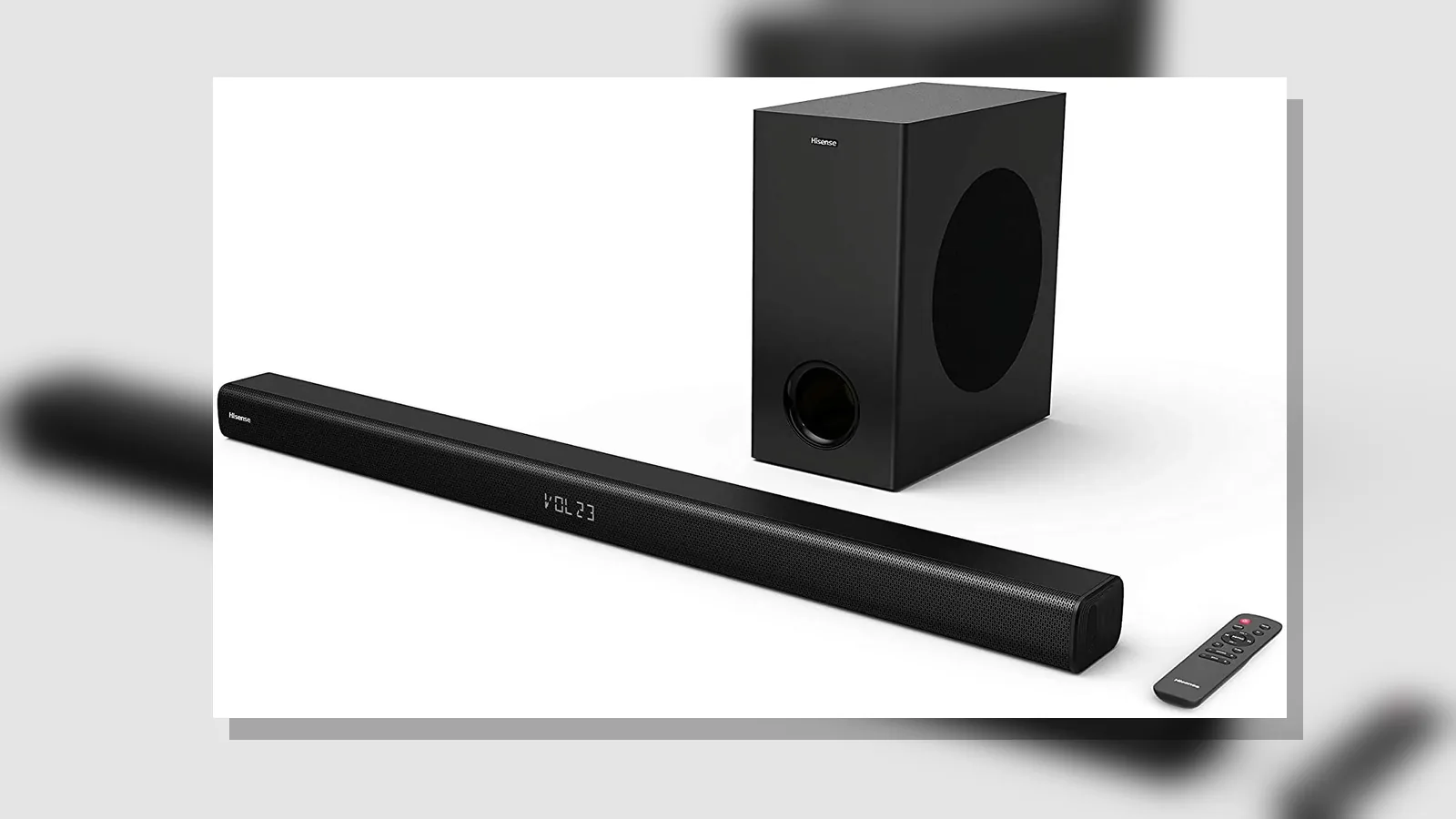
The live listing for the Hisense 2.1 soundbar on this site states HDMI ARC, Optical, Bluetooth 5.0, USB and AUX connectivity, with Dolby Digital and DTS Virtual:X labelling—useful when you choose which physical input to use for the steps above.
When the delay is source/app related
If only one app, set-top box or streaming device is late while live TV or another HDMI source is fine, the lag may sit in that source’s own buffering or audio processing. Test another input or app on the same TV–soundbar path. If the problem follows one device only, adjust that device’s audio delay (if it has one) or use a different connection into the TV rather than retuning the bar for every title.
When to stop and check another input method
Stop the current ladder and change method when:
- You still have both optical and HDMI ARC connected—disconnect one and retest.
- Bluetooth is the only path you have tried—move to a wired ARC or optical link.
- One HDMI source is late but another is not—focus on that source’s settings or cable.
- Menus offer no A/V sync control you can find—try the alternate digital output mode (for example PCM) and a different allowed input on the bar.
Authoritative TV support notes for out-of-sync HDMI sound likewise stress correct ARC routing and A/V sync adjustments rather than stacking multiple digital outputs.
Soft CTA after the fix path
Once the picture and speech line up on a single clean route, you are done. If you are still choosing how to connect a compact 2.1 bar with the inputs listed on site, review the current product details for the Hisense 2.1 soundbar and match your TV’s ARC or optical output to one path only.
FAQ
Is a soundbar lip sync delay fix UK usually a hardware replacement?
Usually not. Start with routing, a single digital return path, and A/V sync before you assume the bar is faulty.
Why does TV soundbar audio out of sync happen more on one app?
That pattern often points to the source or app, not the bar. Compare with another input on the same soundbar connection.
Where do I look for AV sync soundbar UK settings?
Check the TV audio or A/V sync menu first, then any lip-sync or delay option on the soundbar. Menus vary by brand and model.
Does HDMI ARC lip sync troubleshooting mean I should keep optical plugged in too?
No. Use ARC or optical as the active digital feed—not both at once—while you diagnose.
Can Bluetooth ever be “in sync” enough for dialogue?
Bluetooth adds inherent delay. Prefer a wired HDMI ARC or optical path when you need speech aligned with the picture.