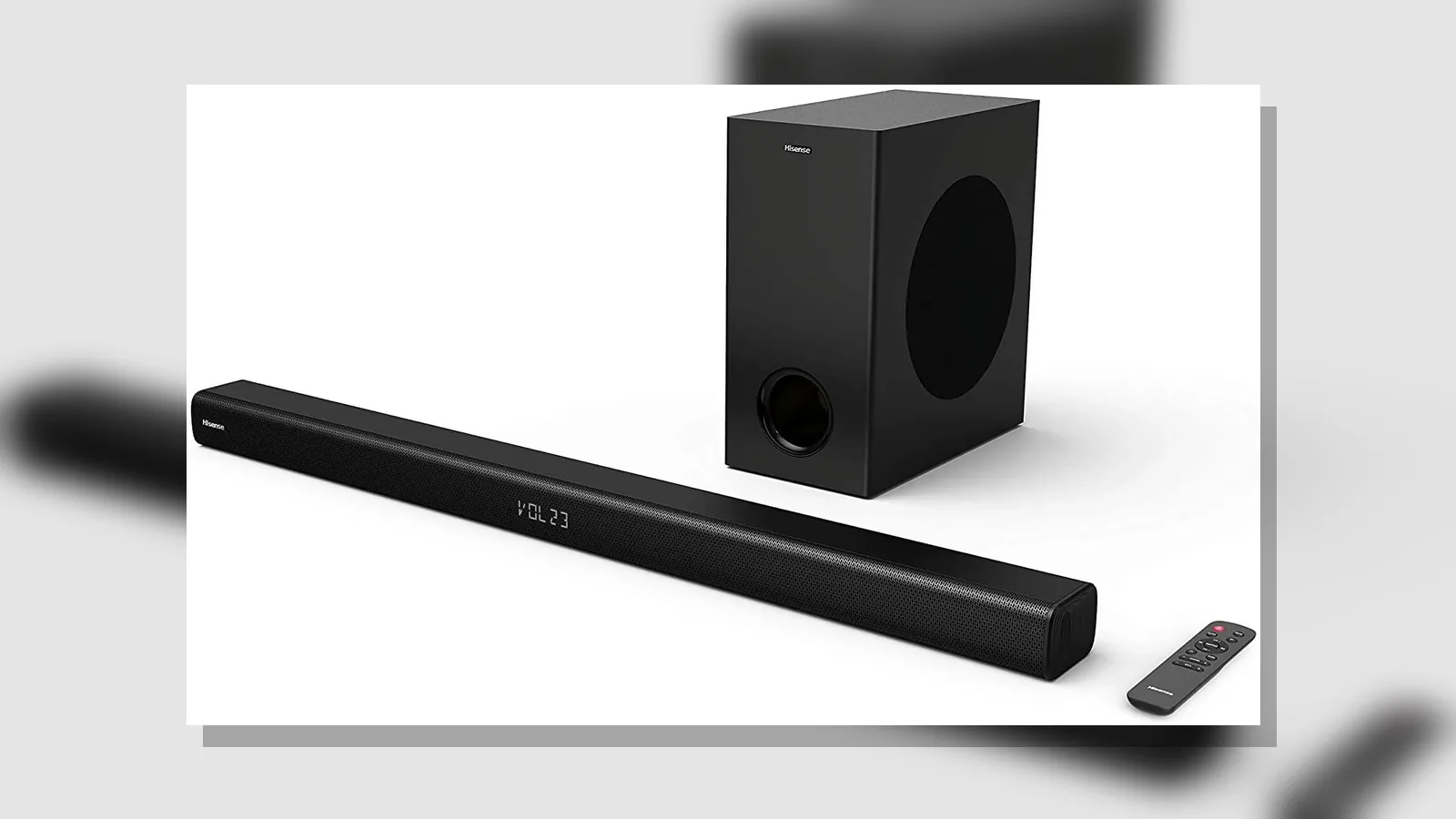
connect soundbar to older tv without hdmi arc uk
To connect soundbar to older tv without hdmi arc uk, use an optical (Toslink) cable when your set has a digital optical out, or analogue AUX or Bluetooth where those options exist, then set the TV speakers to Audio system so sound routes to the bar instead of the built-in speakers.
Direct answer: use optical (or analogue/Bluetooth where available) when ARC is missing
Older Freeview and Sky-era televisions often pre-date HDMI ARC. Manufacturer guidance is clear: if there is no ARC HDMI port, connect via optical, or via analogue or Bluetooth where available, and choose Audio system when the TV asks which speakers to use.
Optical is the usual wired fallback when ARC or eARC is unavailable. HDMI ARC remains preferable when both the TV and the soundbar support it, because the single HDMI lead can simplify control and audio return. A live product listing for a 2.1 soundbar states HDMI ARC, Optical, Bluetooth 5.0, USB and AUX connectivity, so you can match the cable to the ports you actually have.
Port identification checklist on older Freeview/Sky-era sets
Work through the rear and side panels methodically. Not every older UK TV has optical out, so confirm the port before buying cables.
- Optical / Digital Audio Out (Toslink) — usually a square port with a small flap or a visible red light when active; this is the primary non-ARC path.
- HDMI labelled ARC or eARC — if present, prefer that path with a compatible soundbar HDMI connection instead of optical.
- 3.5 mm headphone or RCA analogue audio out — usable with AUX where the soundbar offers an analogue input.
- Bluetooth — only if both the TV and the soundbar advertise wireless pairing; latency and reliability vary by set.
Match the lead to a soundbar input that the manufacturer lists. For the 2.1 bar referenced here, the site copy lists Optical and AUX alongside HDMI ARC and Bluetooth 5.0.
Settings: speakers = audio system; expect separate volume behaviour
After the cable is seated:
- Select the correct external-audio or digital-out option in the TV sound menu.
- When prompted, set TV speakers to Audio system (wording varies by brand) so the panel speakers mute or step aside.
- Raise volume on the soundbar remote or bar controls; many non-ARC links do not pass TV-remote volume in the same way as HDMI ARC with CEC.
- If you hear nothing, check the optical cable orientation, try another Toslink lead, and confirm the TV output is set to PCM or a stereo/digital format your bar accepts — without inventing codec guarantees beyond what your manuals state.
What you may lose vs ARC (CEC one-remote, some formats)
Optical keeps dialogue and everyday TV audio workable when ARC is missing, but it is a fallback rather than a full substitute for modern HDMI return paths.
- One-remote convenience — HDMI ARC often pairs with CEC so the TV remote can adjust the bar; optical setups more often need the soundbar’s own volume control.
- Higher-bandwidth formats — guides comparing optical, ARC and eARC note that eARC is preferred when both devices support higher-bandwidth formats; ARC suits streaming simplicity; optical covers the no-ARC case.
- Feature labels on the bar — the live page for the listed 2.1 model shows Dolby Digital and DTS Virtual:X labelling alongside its connection options; that does not mean every older TV or every optical link will pass every labelled format.
Do not assume Atmos or other advanced object-based audio over optical for this product path.
Who should still prioritise a newer ARC TV path
Prioritise HDMI ARC (or eARC when both ends support it) if you are replacing the television soon, want simpler day-to-day volume control, or need the broader audio-return behaviour that optical cannot always match. Keep optical as the practical bridge for a working Freeview or Sky set that still meets your picture needs.
If your current TV already has ARC and your soundbar lists HDMI ARC, that wired path is the cleaner long-term choice; use optical only when ARC is absent or unreliable.
FAQ + soft CTA
Does every older UK TV have an optical port?
No. Many do, especially mid-range Freeview and Sky-era sets, but you must check the panel or the TV manual. If there is no optical out, look for analogue audio out or Bluetooth instead.
Is optical “worse” than ARC?
It is the standard fallback when ARC or eARC is unavailable. ARC is still preferred when both ends support it; eARC is favoured when both devices support higher-bandwidth formats.
Which inputs should I look for on the soundbar?
Check the product’s stated connections. The live listing for the 2.1 soundbar above names HDMI ARC, Optical, Bluetooth 5.0, USB and AUX, plus Dolby Digital and DTS Virtual:X labelling — use that as site-stated marketing copy when matching cables, not as a guarantee for every TV.
Ready to match ports to a bar that lists optical and HDMI ARC? See the current product details and confirm the inputs against your television before you order leads.